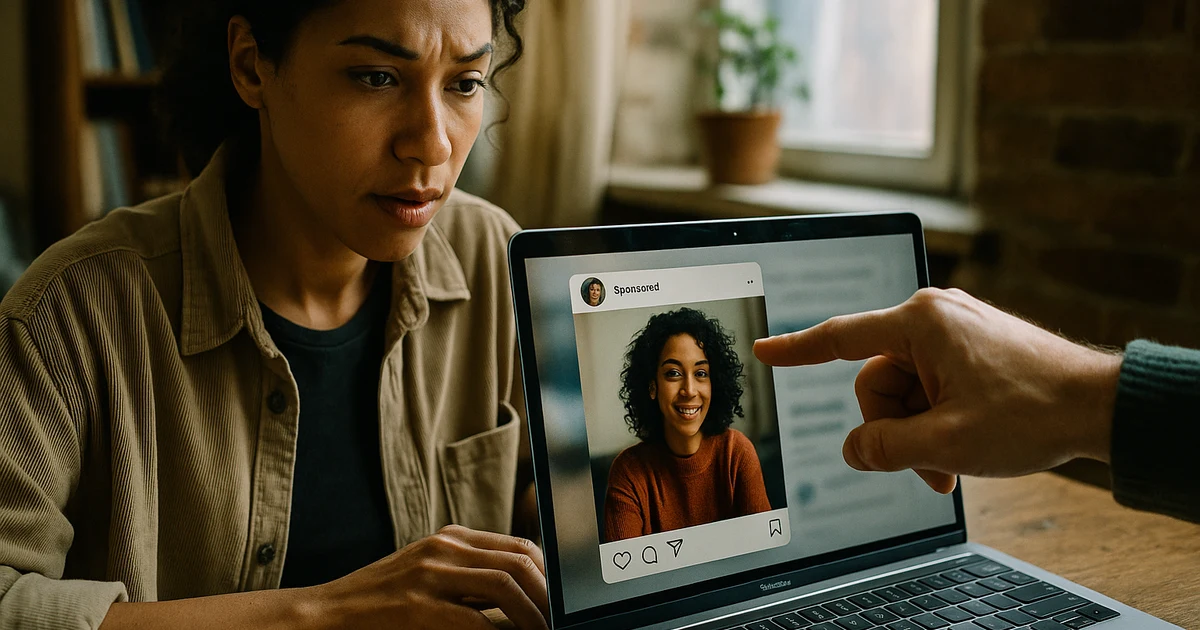
Influencer whitelisting is when a creator authorizes your brand to run paid ads through their social handle. The ad appears to come from them, while you control targeting, budget, and measurement. You keep control by scoping permissions tightly, writing a spend policy before the first dollar goes out, and automating the monitoring humans forget to do.
I run BattleBridge, where we deploy autonomous multi-agent systems for marketing: 10 deployed agents across 3 servers, with 46 registered skills. Whitelisting suits agents because its failure modes are operational, not creative. Authorizations expire. Budgets drift toward one creator. Fatigued posts keep spending. Someone checking a dashboard on Fridays will miss all of it.
This post covers how whitelisting works, where control gets lost, and how to build influencer whitelisting paid ads automation that keeps you in charge.
How Influencer Whitelisting Works
Whitelisting (also called creator licensing or partnership ads) turns a creator's post into a paid placement. Mechanics differ by platform, but the shape is the same.
Meta: Partnership Ads
On Meta, the creator approves your ad account as a partner on their Instagram or Facebook identity. You then build ads that run as the creator, using their existing post or new creative. The creator never touches your ad account, and you never get their login. If a creator offers their password instead, decline.
TikTok: Spark Ads
On TikTok, the creator generates an authorization code for a specific video. You enter the code in Ads Manager and promote that post. The creator chooses the code's validity window (options run from about a week up to a year, so confirm current options in Ads Manager). The ad keeps the post's organic engagement and the creator's handle.
Why Brands Do It
Creator-handle ads read as content, not advertising, and they let you test many creator voices without building a brand-owned audience for each. The tradeoff: you're spending real money on assets you don't fully own. That's where control gets lost.
Where Control Gets Lost
The problems are rarely dramatic. They're slow leaks.
Permissions Wider Than the Deal
A creator agrees to one video for 30 days, and the brand ends up with ongoing access to the whole identity. Scope each authorization to specific posts and specific durations. Anything broader needs its own line in the contract.
Unclear Usage Rights
Organic posting rights and paid usage rights are different things. If your agreement says "content license" with no paid terms, a creator can reasonably object when ad spend appears behind their face. Put paid usage, duration, platforms, and spend ceilings in writing.
Budget Concentration
One creator's post outperforms for a week, the budget follows it, and by month's end a single person who can revoke access tomorrow carries most of your spend. (Say it's 70%: that's a dependency risk disguised as optimization.)
Creative Fatigue Nobody Notices
Whitelisted posts are fixed assets. Frequency climbs, cost per result rises, and comments turn negative, yet the ad keeps running because nobody is watching that particular ad.
Comment and Brand-Safety Exposure
The ad runs under the creator's name, so comments land on their profile. A pile of negative or off-brand replies hits their handle and your brand at once.
A Control Framework That Holds Up
Before automating anything, write the rules. Agents can only enforce policy that exists.
1. Scope the Authorization
- One authorization per post, with an explicit end date
- Written approval of paid use: platforms, duration, and spend ceiling
- A revocation process both sides understand, including how fast spend stops
2. Set a Spend Policy
A workable starting policy:
- Test tier: an equal, small budget per new creator post, run for a fixed window
- Scale tier: posts that clear your cost-per-result threshold get more budget in steps, not jumps
- Concentration cap: no single creator above a set share of total whitelisting spend
- Kill rule: pause any ad whose cost per result exceeds your threshold for a set number of days, or whose frequency passes a cap
Specific thresholds depend on your margins and category. What matters is that they're numbers written down in advance, not judgment calls made while staring at a winning ad.
3. Separate Approval From Permission
Permission is the creator saying yes to paid use. Approval is your brand and legal review of the final creative, disclosures included. Paid creator content still needs proper sponsorship disclosure, and platform branded-content tools exist partly for that. Treat approval as a gate before spend, not a cleanup step after.
4. Monitor on a Schedule
Weekly at minimum: spend by creator, cost per result by post, frequency, comment sentiment, and days until each authorization expires.
Where Automation Fits
The framework above is rules plus recurring checks, which agents do well and people do inconsistently. Here's how I'd divide the work in an influencer whitelisting paid ads automation setup:
| Task | Owner |
|---|---|
| Choosing creators, negotiating terms | Human |
| Setting spend caps, thresholds, kill rules | Human |
| Final creative and disclosure approval | Human |
| Tracking authorization expiry dates | Agent |
| Reallocating budget within caps | Agent |
| Pausing ads that breach kill rules | Agent |
| Flagging comment spikes for review | Agent |
| Weekly spend-by-creator reporting | Agent |
Humans set the boundaries, agents operate inside them, and anything outside the boundaries escalates to a person. We build our own systems this way. Our architecture of an agentic marketing system post covers how we separate autonomy from approval, and the same pattern applies directly to paid media.
The same discipline holds at scale. In our USR senior living directory build, agents work across 977 cities, 51 states, and 4,757 communities, and they only stay trustworthy because the rules are explicit and every action is logged.
The Agent Loop
- Ingest: pull spend and performance by ad and creator from the ad platform
- Check: compare each ad against policy (cost threshold, frequency cap, concentration cap, expiry date)
- Act or escalate: within policy, adjust budget or pause; outside policy, notify a human
- Log: record every change and the rule that triggered it
The fourth step matters most. An automated system you can't audit is just a faster way to lose control. If you can't answer "why did spend move from creator A to creator B on Tuesday?", the automation isn't done.
What Not to Automate
Don't let an agent negotiate rights, accept new authorizations, or approve creative on its own. Those are commitments, not optimizations. Keep the approval gate human.
Building This on Our Ads Stack
We manage paid media with agents through Ads Arsenal, our AI-agent ads management layer, and the whitelisting workflow is one more policy set running on that infrastructure. If you're newer to paid media fundamentals, our PPC guide covers the account structure whitelisting campaigns should sit inside.
For the bigger picture on how this differs from a traditional agency retainer, see What Is Agentic Marketing?.
A Practical Rollout Plan
Starting from nothing, I'd go in this order:
- Week 1: Draft the usage terms (paid use, duration, platforms, spend ceiling, revocation) and the spend policy with real thresholds.
- Week 2: Sign 3 to 5 creators on those terms. Fewer than three makes concentration risk unavoidable; more than five makes manual review hard before you've learned what to watch.
- Weeks 3 to 4: Run equal test budgets. Track the policy metrics by hand so you understand what the agents will later be doing.
- Month 2: Hand monitoring and in-cap reallocation to automation. Keep approvals and new authorizations manual.
- Ongoing: Review the agent's change log monthly and adjust thresholds based on what you learn.
Automating before you've run the process manually is the most common mistake. You end up encoding assumptions you never tested.
The Bottom Line
Whitelisting gives you creator-grade ads with brand-grade targeting, but only if permissions, budgets, and monitoring are managed deliberately. Control comes from written policy and consistent enforcement, and enforcement is exactly the work agents handle well.
Want to see how we deploy this kind of system, or whether agent-run paid media fits your business? Start at the BattleBridge home page or read the Ads Arsenal overview, then reach out from there.
Frequently Asked Questions
What is influencer whitelisting in paid ads?
Influencer whitelisting is when a creator authorizes a brand to run paid ads through the creator's own handle, using platform tools like Meta partnership ads or TikTok Spark Ads. The ad appears to come from the creator, while the brand controls targeting, budget, and reporting. It's the core of influencer whitelisting paid ads automation workflows.
How is spend split across multiple creator partnerships?
Start with a small, equal test budget per creator, then reallocate weekly based on cost per result and creative fatigue. Cap any single creator at a fixed share of total spend so one underperformer or one dependency can't sink the program.
Does whitelisted content need separate approval?
Yes. A creator's permission to post organically does not cover paid use. You need written approval for paid usage, a defined time window, and platform-level authorization (a partner request or Spark code). Brand and legal review of the final creative, including disclosures, should happen before spend begins.
Can whitelisting budgets be automated?
Yes. Rules or agents can shift budget between creators, pause fatigued ads, and flag expiring authorizations automatically. Influencer whitelisting paid ads automation works best when humans set the caps and approval gates and the agents operate inside them.
See it on your own accounts
Ads Arsenal reads Google, Meta and TikTok against the targets you set, campaign by campaign, and ranks what to change with the reasoning and the numbers behind it. Nothing changes in an account until you approve it, and any change rolls back with one click. Search Arsenal comes on the same login, and design partners get Conversion Arsenal too.
Become a design partner: free while Ads Arsenal is in beta.